SafeGuard
Interface design for an AI-assisted workplace hazard assessment app
Overview
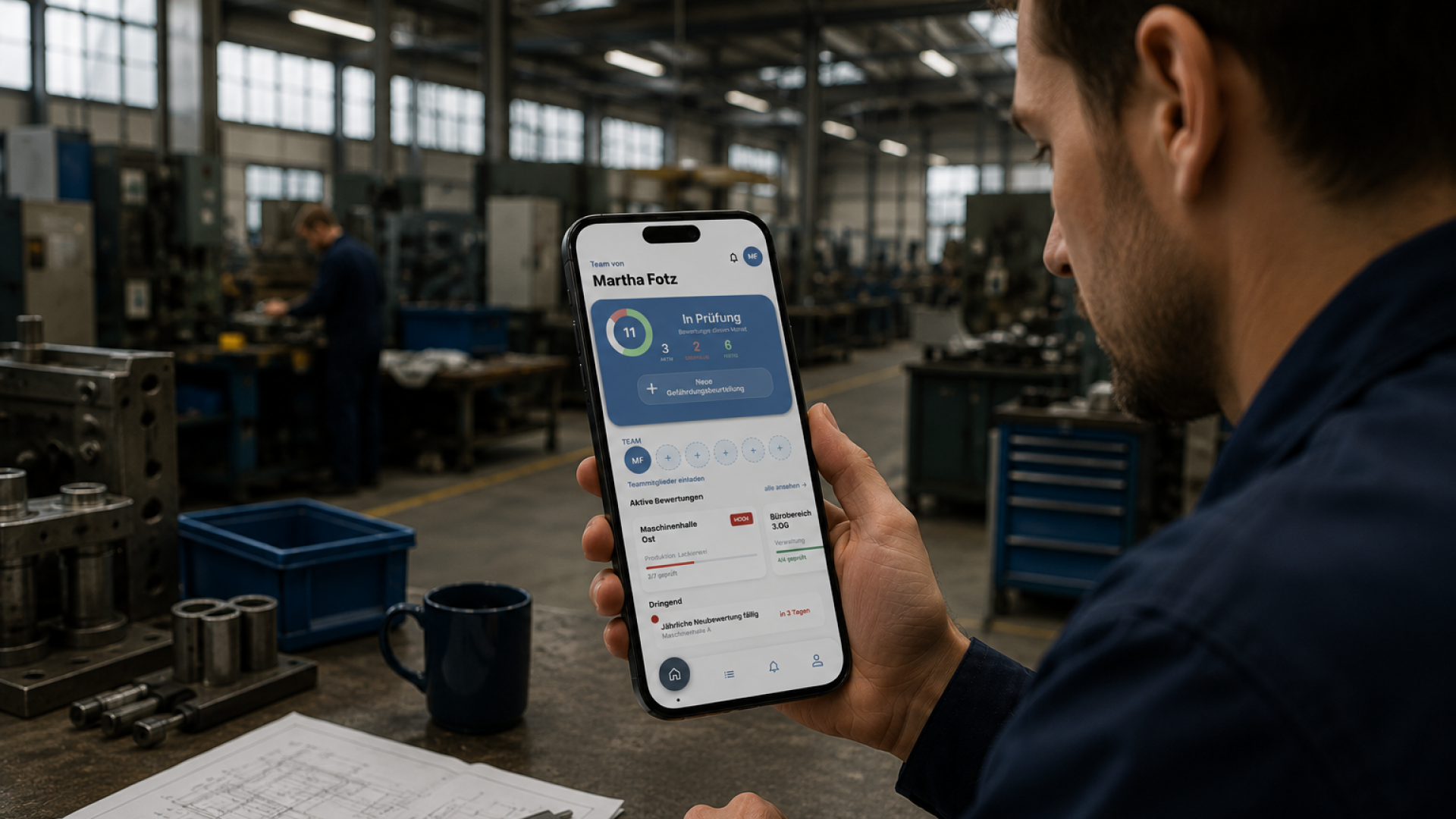
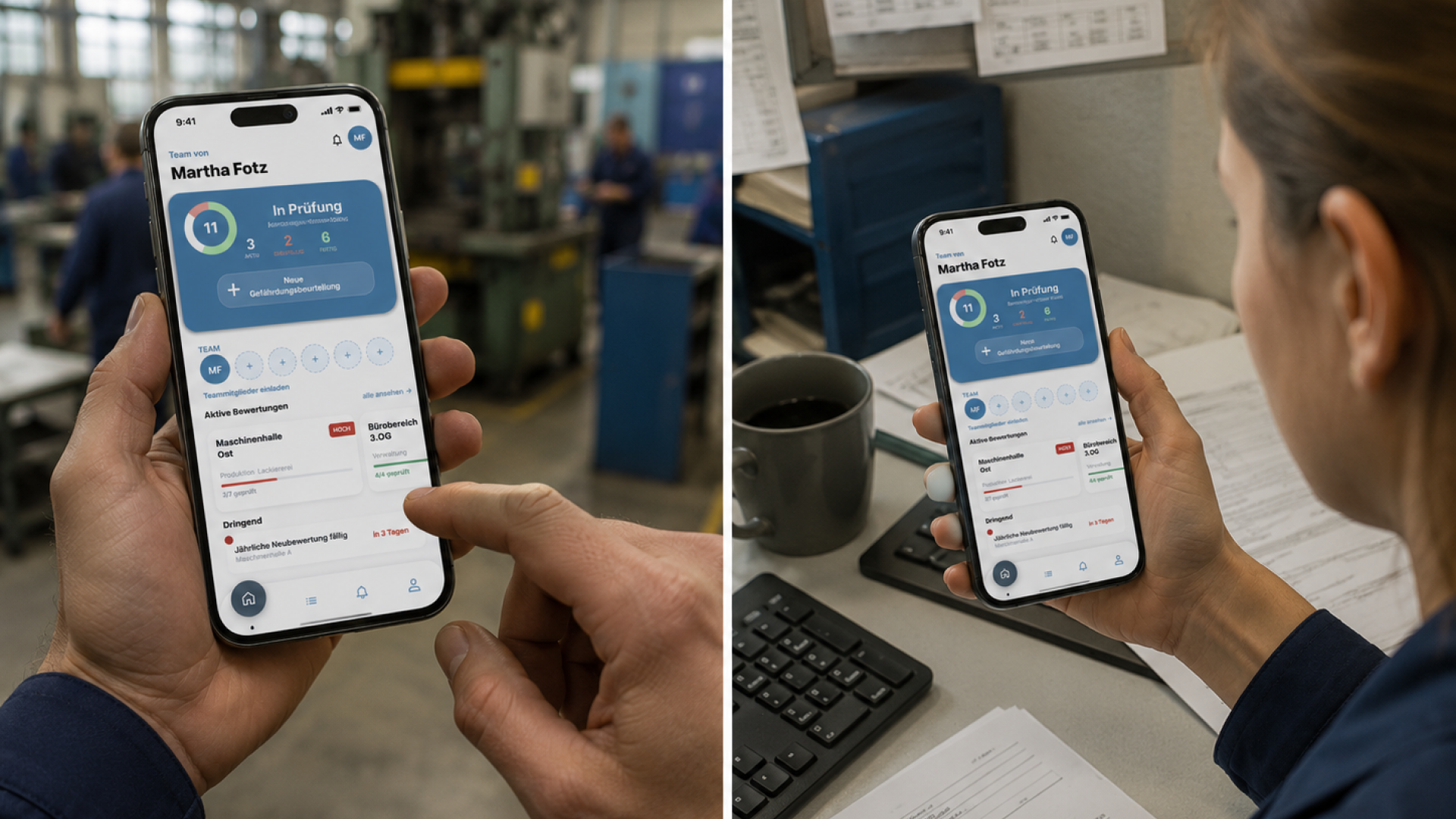
SafeGuard is a mobile app that supports safety professionals in industrial workplaces in creating hazard assessments under German occupational safety law (§5 ArbSchG). Take a photo, the AI detects hazards, the professional reviews and approves.
Challenge
Hazard assessments are legally binding documents where every overlooked or fabricated hazard becomes a liability risk. Automation bias turns the AI into the project’s central danger: when a suggestion looks competent and fully formatted, human review quickly becomes a mere formality – exactly what the law is meant to prevent. The core design question was therefore how an interface can add speed without letting users simply confirm instead of genuinely looking.
Concept & Implementation
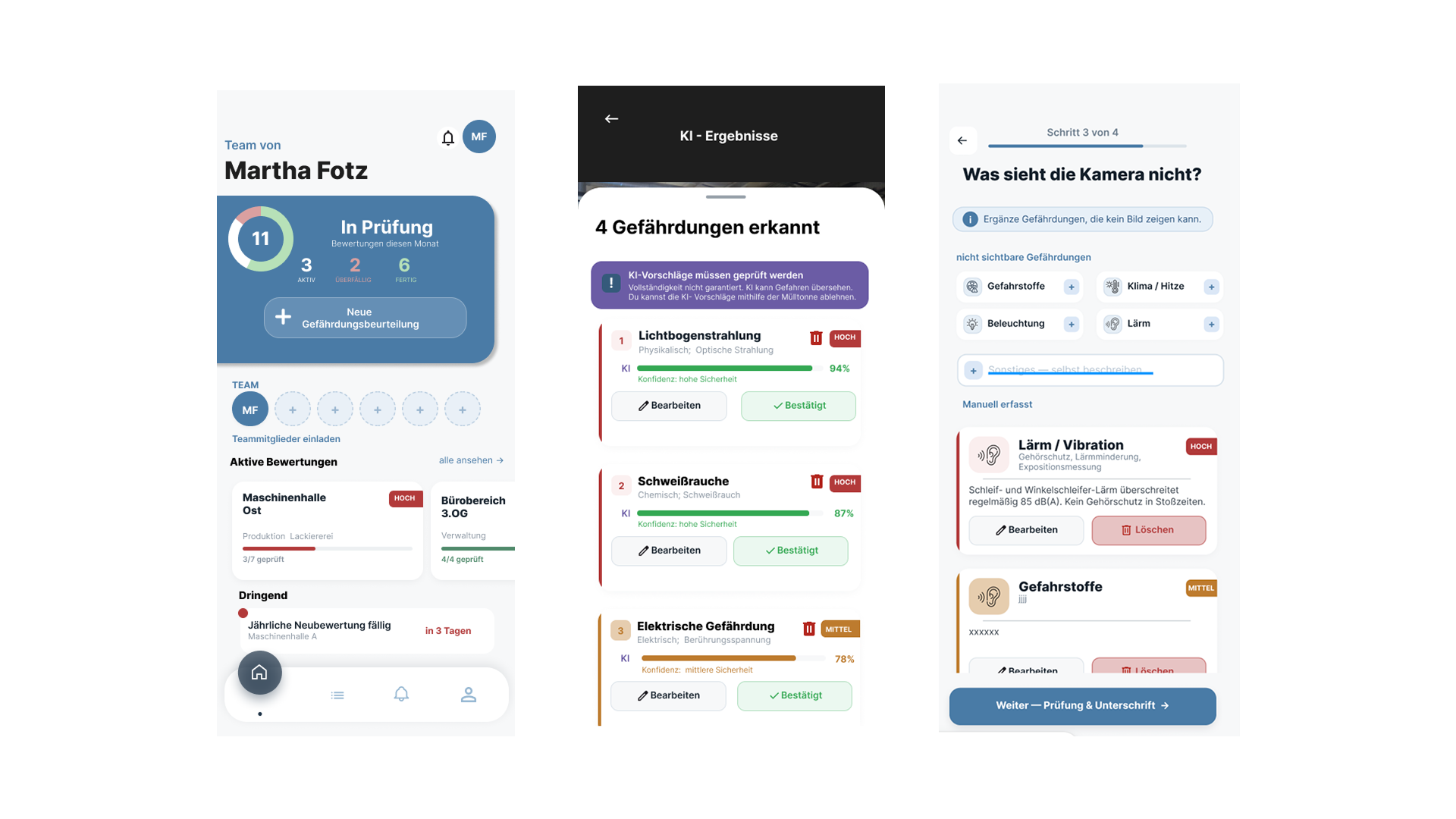
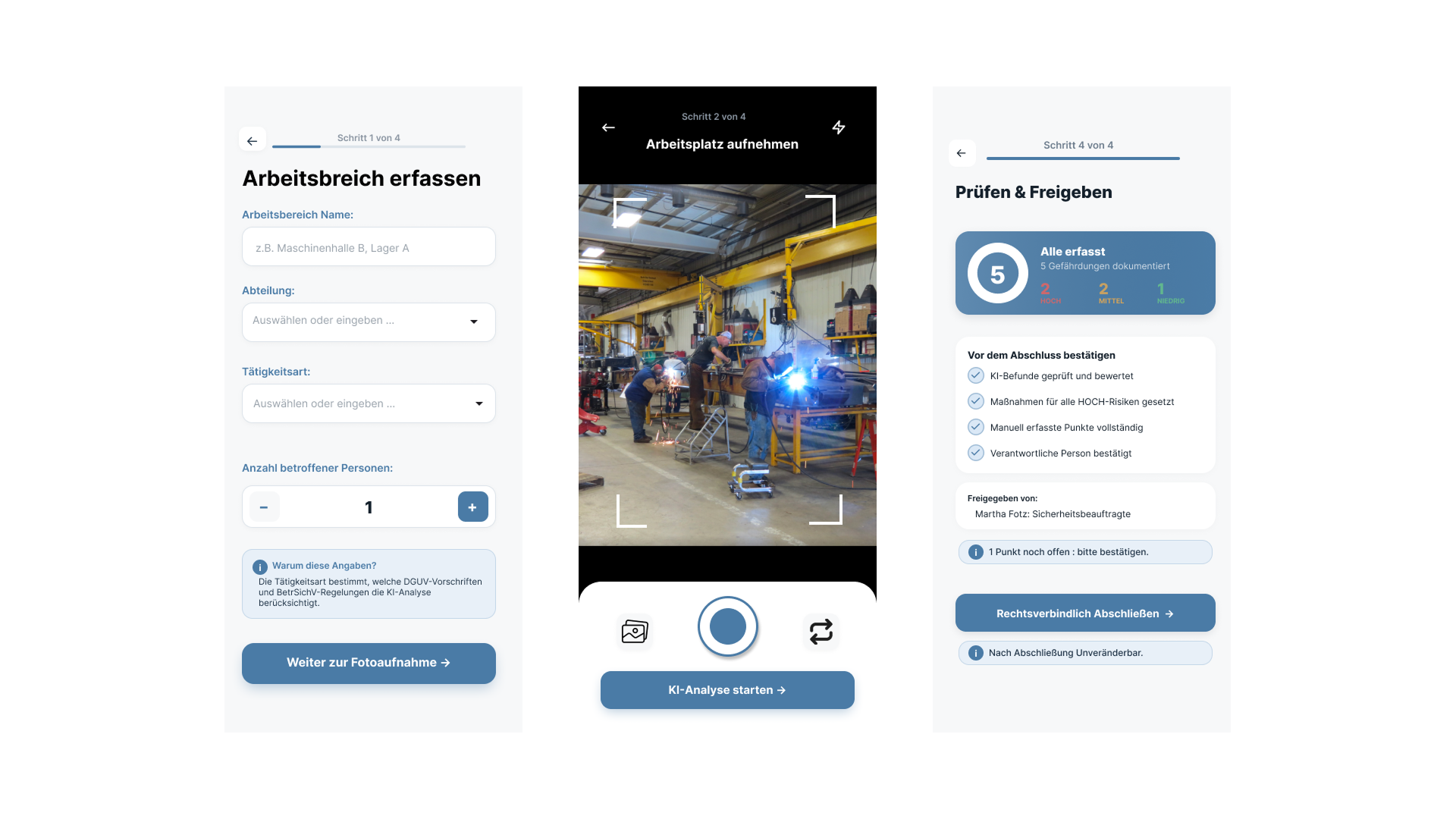
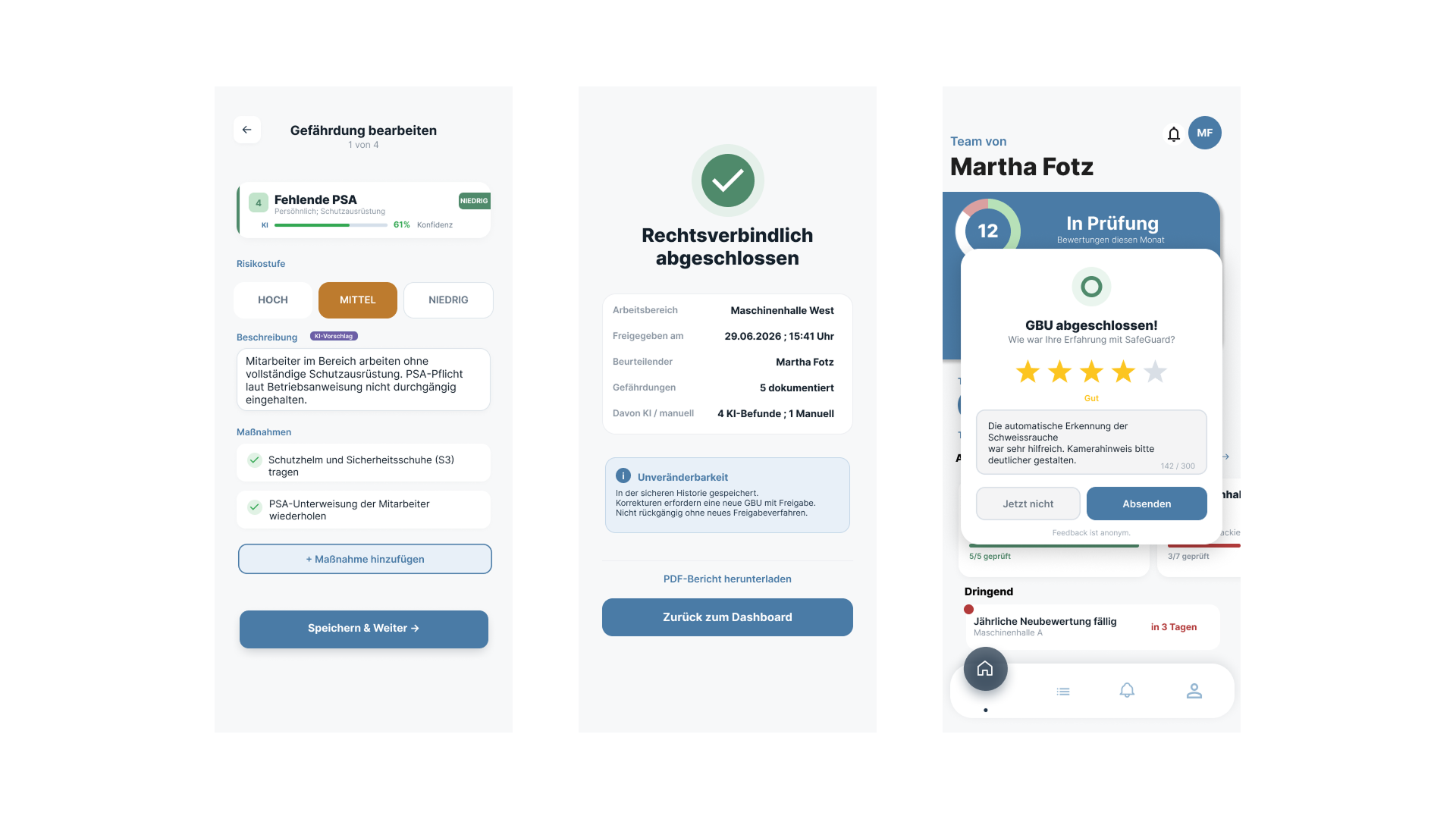
The solution follows the principle of “human-in-the-loop correction”: before any photo is taken, the app captures structured context such as department and type of activity, which narrows the AI’s analysis frame. The four-step flow – capture workspace, take photo, review AI results, approve – presents each detected hazard individually with risk level and measures; there is deliberately no “accept all” button. A dedicated step also actively asks about hazards a photo can’t capture, such as noise or hazardous substances.
Central to keeping the source of each item clear is a four-color system: brand blue for neutral structure, a deliberately desaturated blue-violet reserved exclusively for AI suggestions, and a separate red-yellow-green scale for risk levels. The original plan was to display AI content in the brand color – this would have visually disguised it as an “official” part of the app, obscuring exactly the distinction that matters in a legal context. Introducing a dedicated AI color was a deliberate correction at the point where “looks good” and “works well” came into conflict. Once every point has been confirmed, the app saves the assessment unchangeably in the history.
Showroom